A stronger personalized gift
Instead of only placing a child's name into a fixed template, SagaPages can turn a real photo into a custom illustrated protagonist.
Upload a clear photo, choose a storybook art style, and build a multi-page book where your child stays recognizable on every page.
Your original photo is deleted after you confirm the stylized portrait. Books stay private until you share.
Upload a clear portrait, pick an art style, and SagaPages builds a reusable protagonist reference for every page.
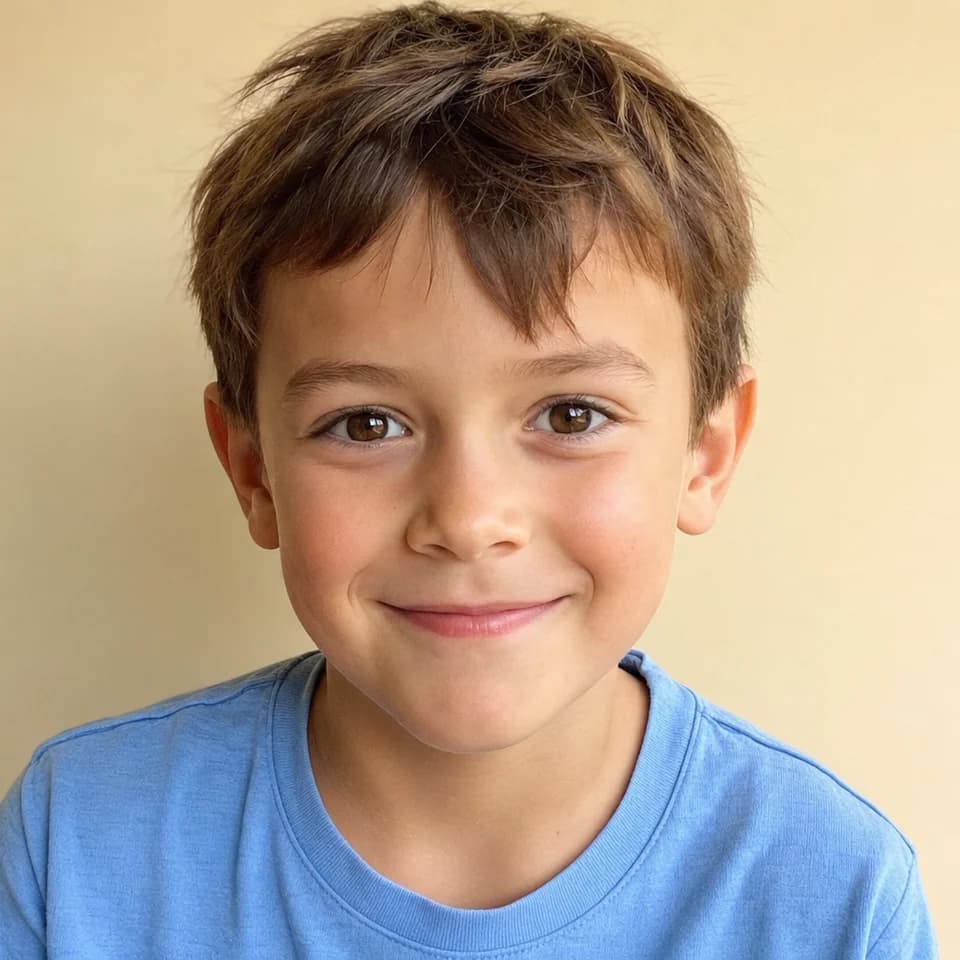
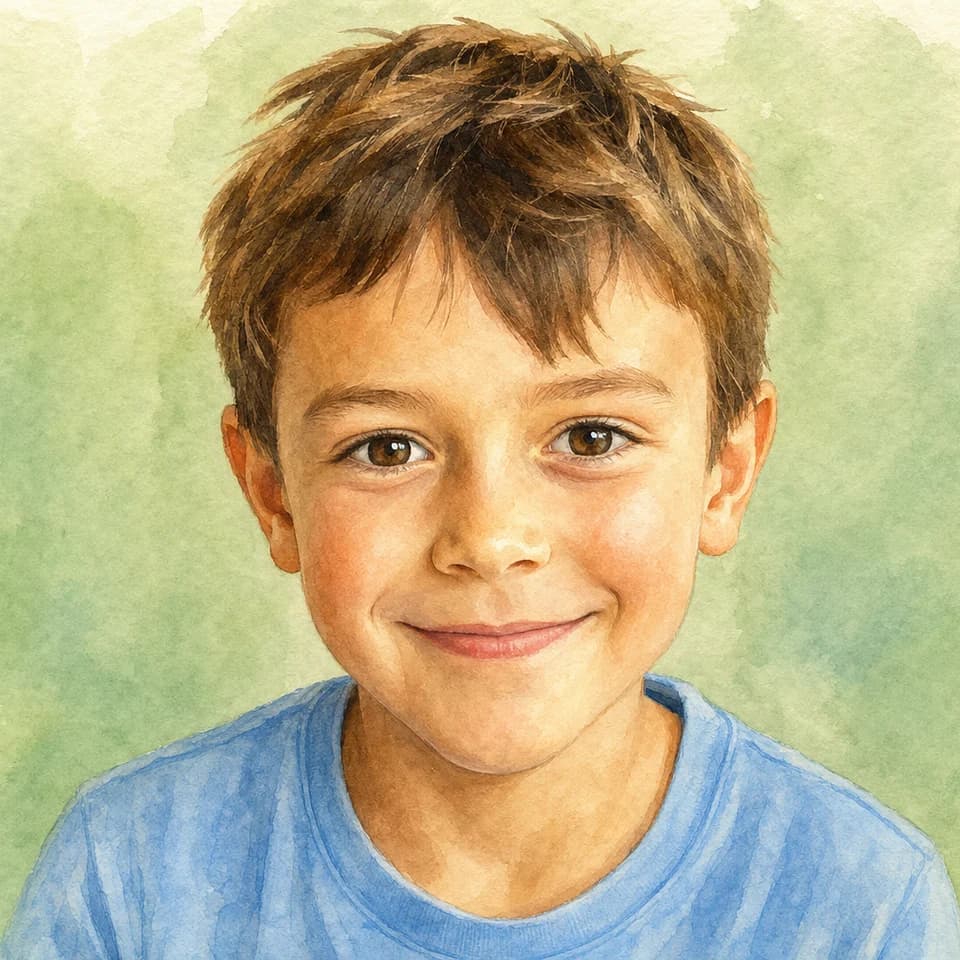
Example shown for demonstration — not a real customer photo.
Your upload is deleted after you confirm the stylized portrait. Read our privacy policy
Upload once, pick a look, then build a multi-page story starring the same illustrated hero.
Start with a front-facing photo of the child, parent, grandparent, pet, or character you want to feature in the story.
Choose from warm, child-friendly art styles such as watercolor, classic storybook, 3D cartoon, paper cut, and dreamy pastel.
SagaPages uses the confirmed character reference and story beats to create a book where the hero remains recognizable across scenes.
See how other families turned a real photo into a multi-page illustrated book.
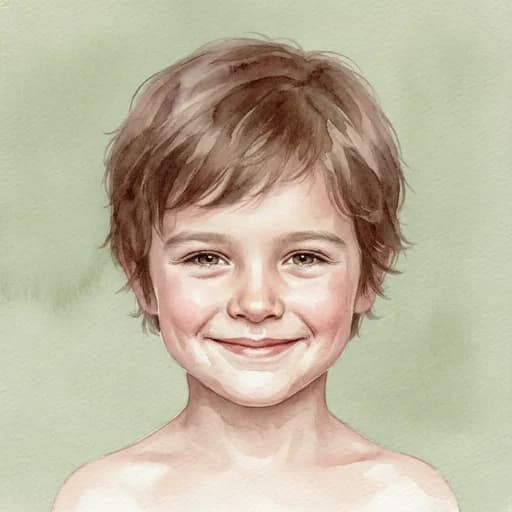 Example layout
A clear photo becomes a soft watercolor protagonist on every page.
Create yours →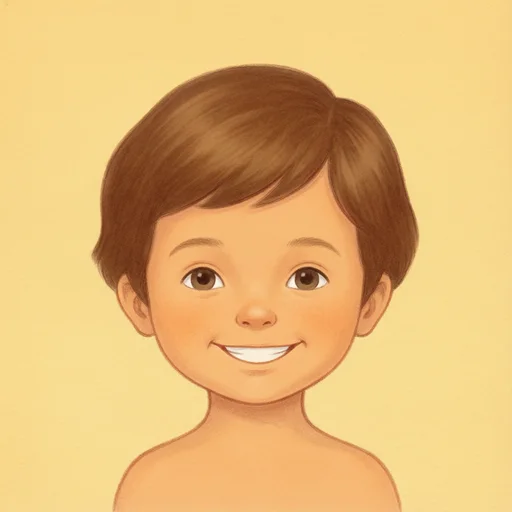 Example layout
Warm ink-and-paper look with the same child starring in each scene.
Create yours → Example layout
Playful cartoon style built from one uploaded portrait reference.
Create yours →Your uploaded photo becomes a stylized portrait reference. SagaPages reuses that reference as scenes change, so the hero still reads as the same child.
Children's photos deserve clear handling. SagaPages keeps finished books private unless you choose to share or publish them.
One credit pool covers story writing and illustrated pages. You only spend credits when generation succeeds.
No credit card required to start. Upgrade only when you need more monthly credits or HD export.
Turn a real photo into a printable protagonist—not a generic avatar or a name inserted into someone else's template.
| What parents compare | SagaPages | Fixed template book stores | Generic photo avatar apps |
|---|---|---|---|
| Uses a real child photo | Yes — upload and confirm | Usually name or cartoon only | Filter-style avatar |
| Same face across every page | Identity Lock references | Fixed illustrations | One portrait only |
| Custom story scenes | New scene per page | Fixed story template | No storybook flow |
| Photo privacy | Original deleted after confirm | Varies by vendor | Often unclear |
| Start free | 20 credits, no card | Usually paid upfront | Freemium or paid |
Instead of only placing a child's name into a fixed template, SagaPages can turn a real photo into a custom illustrated protagonist.
Use it for birthday books, Father's Day or Mother's Day stories, holiday gifts, graduation keepsakes, and books for grandparents.
Most AI image tools reinterpret the character on every prompt. SagaPages is designed around repeated storybook characters and page-by-page control.
Finished books remain in your account unless you publish or share a read-only storybook link.
Review each page before downloading or printing. If one page looks off, fix that page instead of starting over.
SagaPages shows credit use before generation and charges successful illustrated pages.
What to expect with photos, likeness, family members, and printable output.
Yes. SagaPages has a photo-first storybook path that lets you upload a photo, choose an illustration style, and create a personalized storybook starring that protagonist.
Use a front-facing, well-lit photo with clear eyes and minimal blur. Simple backgrounds usually produce a cleaner character reference.
No AI system can guarantee pixel-perfect identity across every scene, but SagaPages is built to reduce character drift by reusing a protagonist reference, style, and structured page workflow.
Yes. SagaPages supports storybook characters and supporting cast workflows, so you can build books that include family members, friends, or pets.
No. SagaPages supports online preview and an export path for printable storybooks, so the result can become a digital read-aloud or a physical keepsake.
Sign up free, upload one clear photo, and preview stylized portraits before you spend credits on full pages.