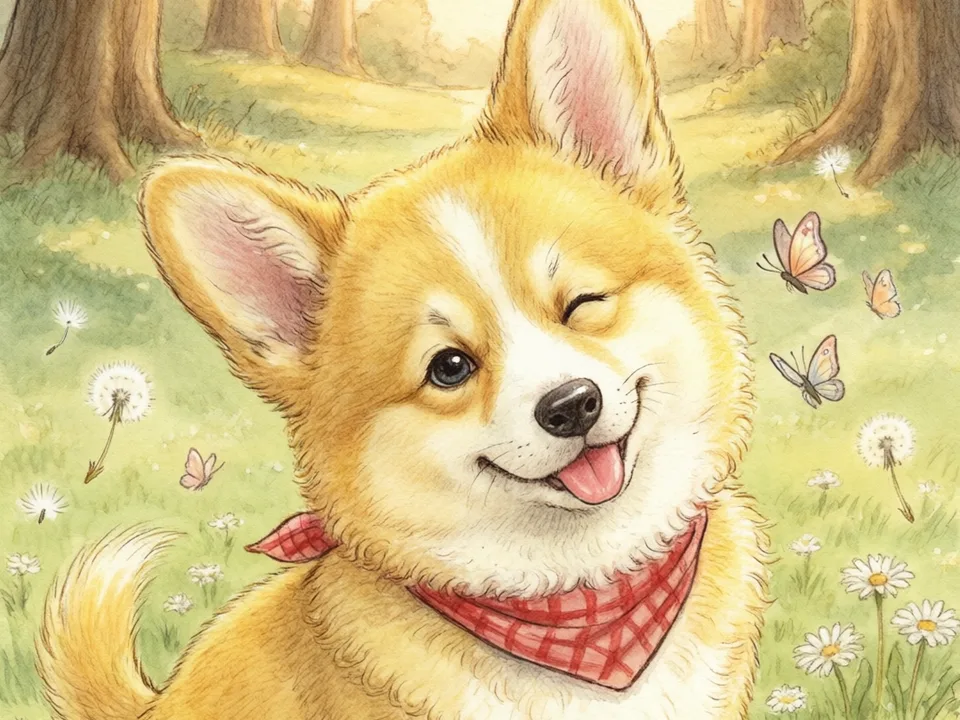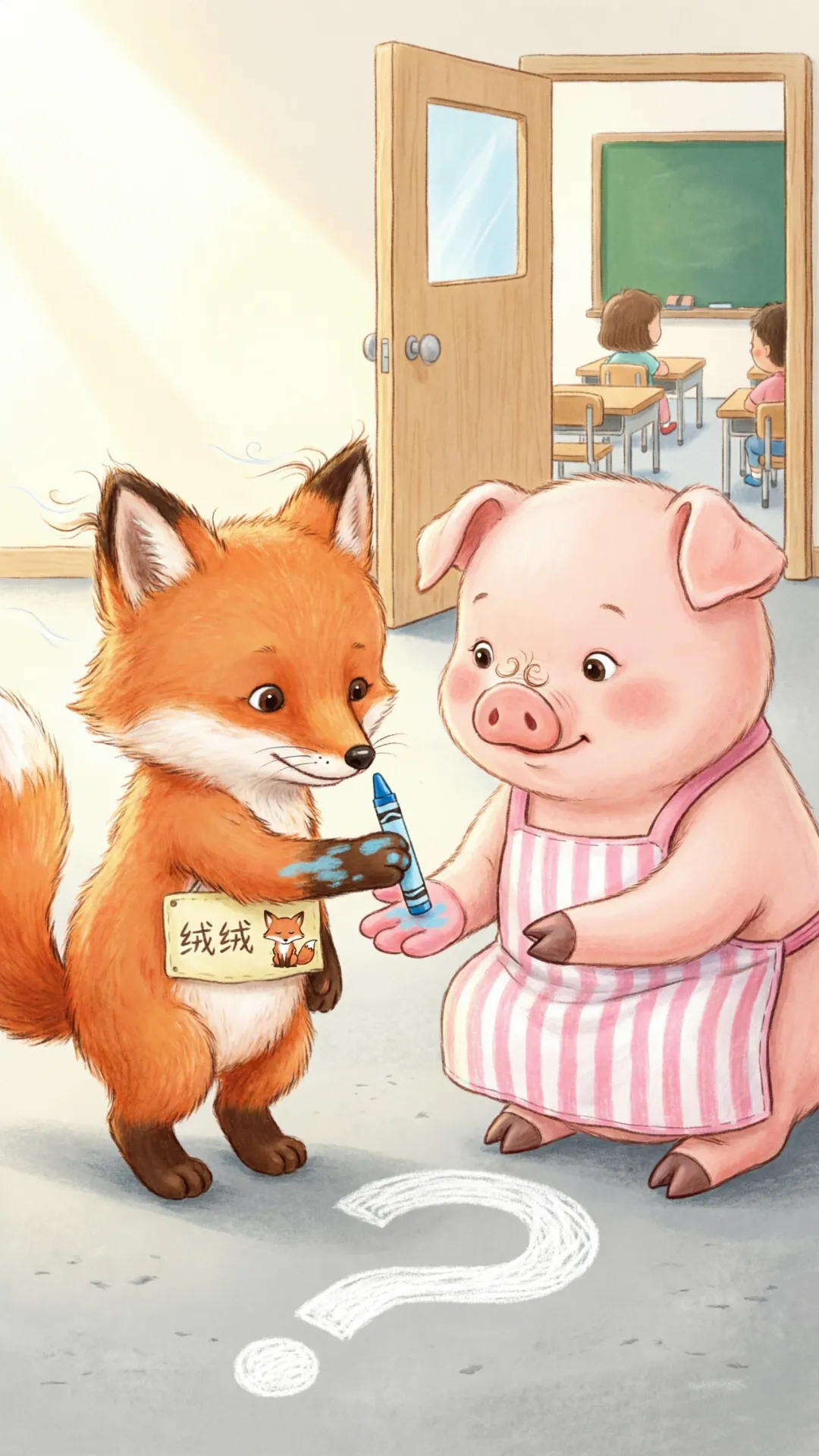
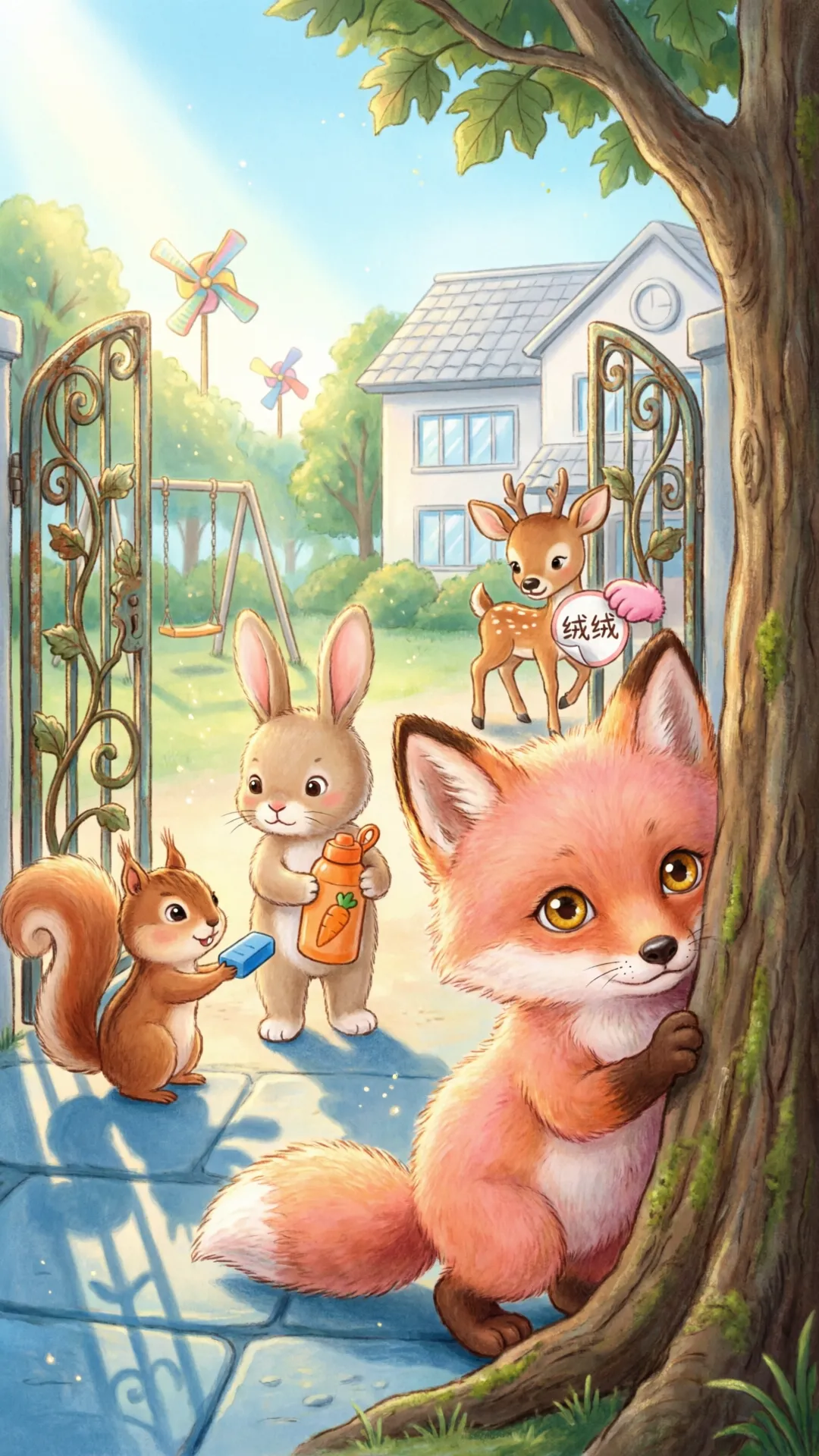
Why most AI storybooks fall apart after page three
Parents, teachers, and indie creators usually start with a great premise: a child who talks to the moon, a shy dragon, a first-day-of-school adventure. The first spread looks promising. By page four, the protagonist's hair color shifts, the outfit changes, or the face simply looks like a different kid.
That is not a "model quality" problem alone—it is a workflow problem. Generic image tools treat every prompt as a fresh start. A storybook needs the opposite: a small set of facts that must stay stable unless the story explicitly changes them.
When readers notice drift, they stop trusting the book as a book. It feels like a folder of unrelated images with text pasted underneath. The fix is not writing longer prompts. It is sequencing the work so character, style, and page rhythm are locked before you generate volume.
Step 1: Lock the character before you write page one
Start with an anchor sheet—not a full script. Write down what must never change by accident: approximate age, face shape, signature outfit, hair, and the default emotional tone (gentle, playful, curious). If the book stars your child, upload a clear photo and treat that reference as canon for the whole project.
In SagaPages, the storybook flow is built around this idea: define your protagonist (or cast) first, pick one art direction, then generate pages against that locked identity. Photo-to-storybook works the same way—the reference image becomes the anchor, not a one-off style guess.
Supporting characters deserve the same treatment. If a sibling, pet, or friend appears on more than one spread, add them to the cast early. Recurring side characters are where many books silently break consistency.
- Identity: age band, face, hair, default outfit, emotional baseline.
- Canon rule: what only changes when the story explicitly says so.
- Cast: anyone appearing on 2+ pages gets their own anchor.
Step 2: Write page beats—not prompt novels
Long prompts feel productive, but they introduce noise. Each spread should do one narrative job: establish a setting, show a reaction, advance the problem, deliver a small win. One beat per page keeps both the story and the visuals easier to control.
A useful format is three lines per page: scene (where), action (what happens), and emotion (how it should feel). Keep identity language out of the page beat—those facts already live in your anchor. Repeating them on every page is how accidental drift sneaks back in.
For length, most gift-worthy and classroom-ready books land between 8 and 16 pages. SagaPages supports roughly 4–24 pages per book; start at 8 if you are new, then expand once the character feels stable.
- Page 1–2: introduce protagonist in their normal world.
- Middle pages: one clear problem + one attempt per spread.
- Final spreads: resolution that matches the tone you set on page 1.
Step 3: Pick one art direction and keep it print-ready
Style hopping is the second most common failure mode. Watercolor on page 1, flat vector on page 5, and semi-realistic shading on page 8 reads as unfinished—even if each image is pretty on its own.
Choose one direction early: watercolor storybook, soft gouache, clean picture-book line, etc. Then judge every page against that choice, not against whatever the model felt like doing in the moment.
If you plan to print, decide orientation and trim early. A spread that looks fine on a phone can feel cramped on an 8.5×11 page. Consistent margins, readable text areas, and calm backgrounds matter for kids' books more than cinematic contrast.
Step 4: Review as a book, not a gallery
Flip through in order. Ask: does the protagonist read as the same person? Does the palette stay in family? Does the emotional intensity match the age band (bedtime calm vs. adventure energy)?
Fix pages in place instead of regenerating the whole book. When one spread drifts, re-run that page with the same anchor and a tighter beat—don't rewrite the entire prompt stack.
Share a single link when you want feedback. Stakeholders and family members review faster when they see a cover, page order, and next step in one place—not a zip of PNGs in a chat thread.
A workflow you can run in one evening
This is the same path behind community books like Lucy's bedtime moon story: anchor first, short beats, one style, then share or print when the flip-through feels trustworthy.
Open the storybook studio, lock your protagonist, draft eight page beats, generate, flip once, fix the one page that drifts, and export. Most first-time creators spend more time worrying about prompts than running this loop—but the loop is what produces a book.
- 15 min: protagonist + cast + style.
- 20 min: eight one-line page beats.
- 25 min: generate, flip, fix 1–2 pages.
- 10 min: share link or send to print.