From photo to printable storybook in three steps
SagaPages is built for finished books—not one-off images. Upload a character photo, guide the story, and export pages you can read on screen or send to print.
Three steps
Upload a photo & pick a style
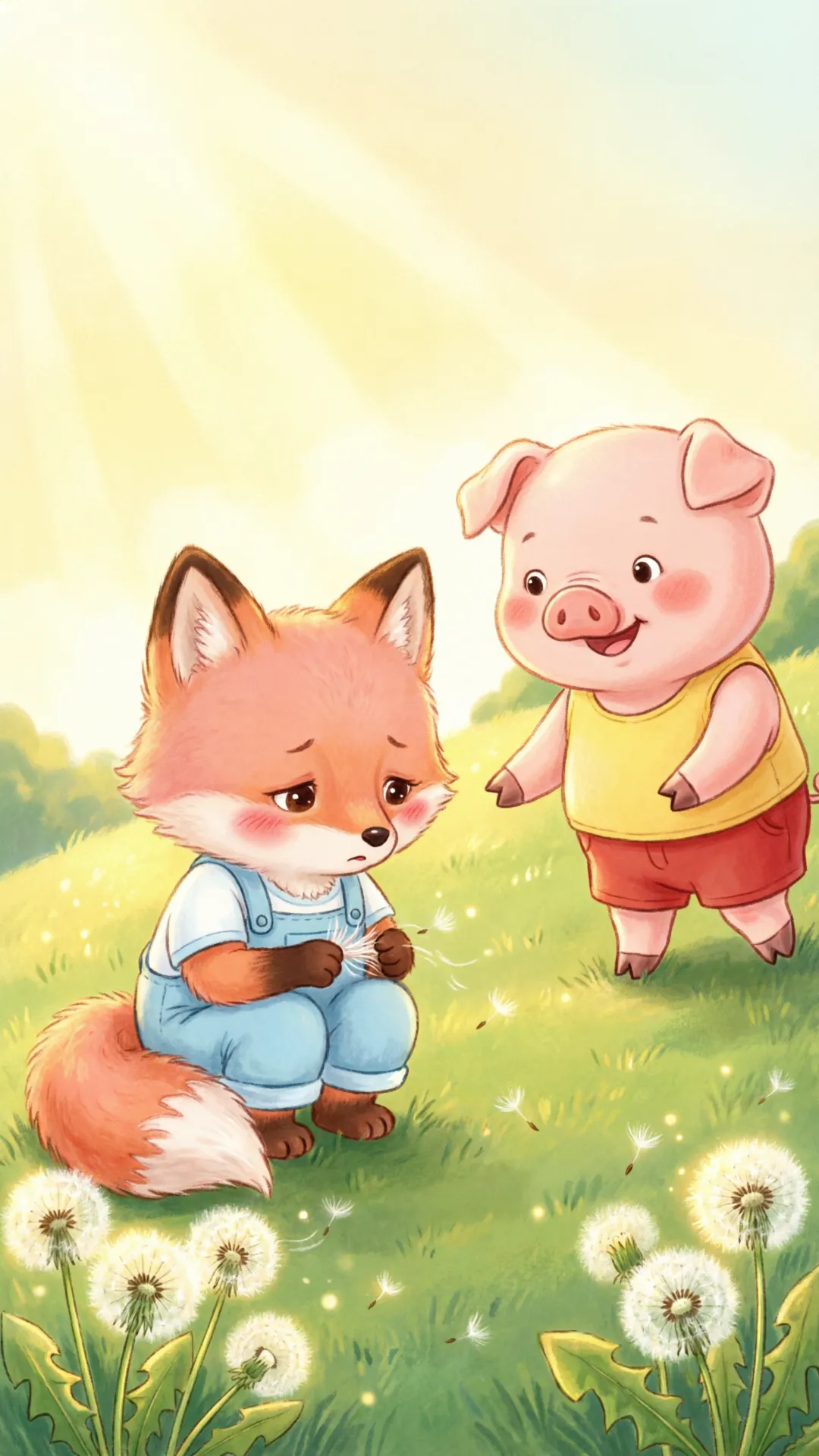
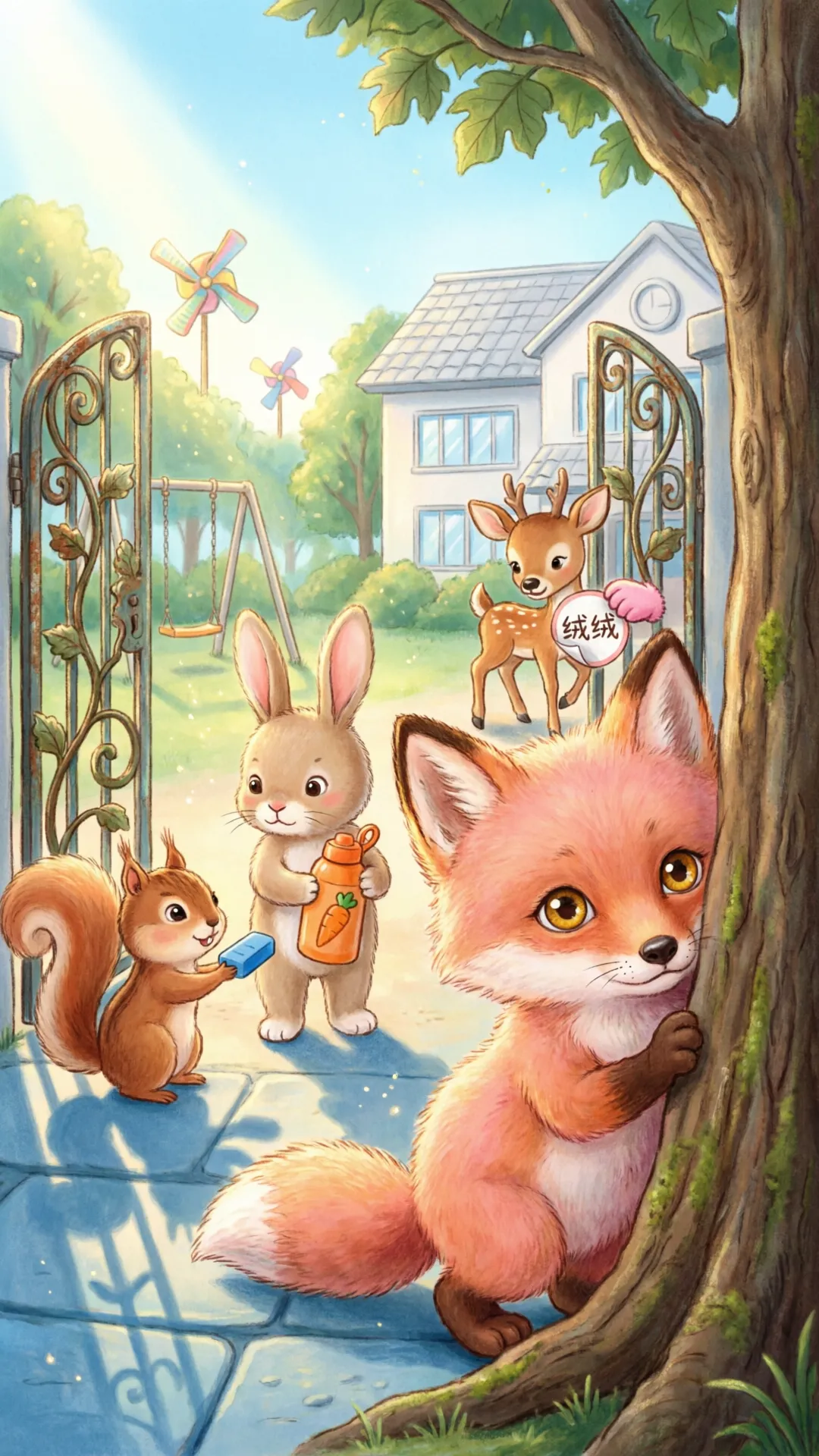
Use the photo protagonist wizard or character library. Choose from 15 art styles — watercolor, Ghibli-inspired, 3D cartoon, and more.
- One photo is enough to start; optional reference images for advanced users
- Identity Lock keeps the same face on every page
- Characters save to your library for future books
Guide the story
Use Story Assist for a full manuscript, paste your own text, or pick a guided template (world, virtue, lesson). Split into page prompts automatically.
- Age band and theme chips tune vocabulary and mood
- Edit any page prompt before you generate
- Credits shown before you submit
Generate, preview & export
Watch pages render one by one. Preview the full book online, download a PDF, or use Magic Editor to fix a single page without redoing the book.
- Free accounts get watermarked PDF previews; Pro plans export clean files
- 5 credits per successfully illustrated page
- Share approved books to the public gallery
Review the book before you print
Sign up for 20 credits — no credit card. Credits are shown before you generate and charged only when an illustration succeeds. Flip through every page online, then export — or confirm a hardcover print order when you’re ready.
- Full online slideshow when generation completes
- Watermarked PDF on Free/Plus; clean PDF on Pro and above
- Magic Editor: regenerate one page for credits when it succeeds
- Hardcover print and shipping charged only after you confirm checkout